All-in-one browser studio
Capture, annotate, and share right from your browser
WizFlow turns your browser into a creation hub. Record your screen, sketch on live pages, and organise everything without switching between apps.
7-day full access • Cancel anytime • No hidden permissions
Why teams choose WizFlow
A calmer, more connected way to work with the web
We built WizFlow for makers who need to move quickly without losing fidelity. Replace the chaos of mismatched extensions with a single, beautifully integrated workspace that keeps momentum high.
Recognise this?
Too many disconnected tools
Screen recorders, annotation plugins, bookmark managers. Switching context kills momentum and introduces friction.
Feedback loops that stall
Sharing visuals is slow and messy when captures, notes, and comments live in different places.
Tabs spiralling out of control
Important research and inspiration get buried under cluttered windows and dozens of open tabs.
What you get with WizFlow
Every workflow touchpoint lives under one roof—capture, mark up, organise, and share without losing momentum.
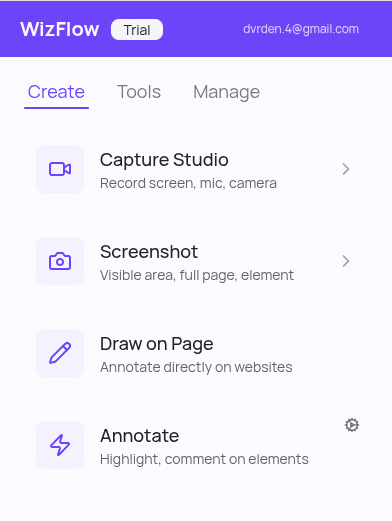
- Capture anything instantlyRecord screens or snap pixel-perfect screenshots with one click and consistent quality.
- Annotate in contextDraw, highlight, and leave notes directly on live pages so nothing is lost in translation.
- Keep insights organisedEvery capture syncs to a tidy media hub with search, tagging, and quick sharing tools.
- Review with clarityReplay recordings, compare screenshots, and export assets without leaving the browser.
- Tame tab overloadGroup, reorder, and park tabs by project so you can focus on the task at hand.
- All accessOne polished extension that replaces the whole stack of recording, annotation, and organisation add-ons.
How it works
Three simple steps to momentum
No complex onboarding. Install the extension, capture what matters, and keep your browser organised while collaborating with clarity.
Install & pin
Add WizFlow from the Chrome Web Store and pin it to your toolbar for instant access whenever inspiration strikes.
Takes less than 30 seconds.
Capture & mark up
Record, screenshot, or sketch directly over any page using a unified interface designed for clarity and speed.
Recording, annotation, and notes—always within reach.
Organise & share
Everything you capture lands in the media hub where you can organise, search, and share in a couple of clicks.
Keeps your team aligned without extra tools.
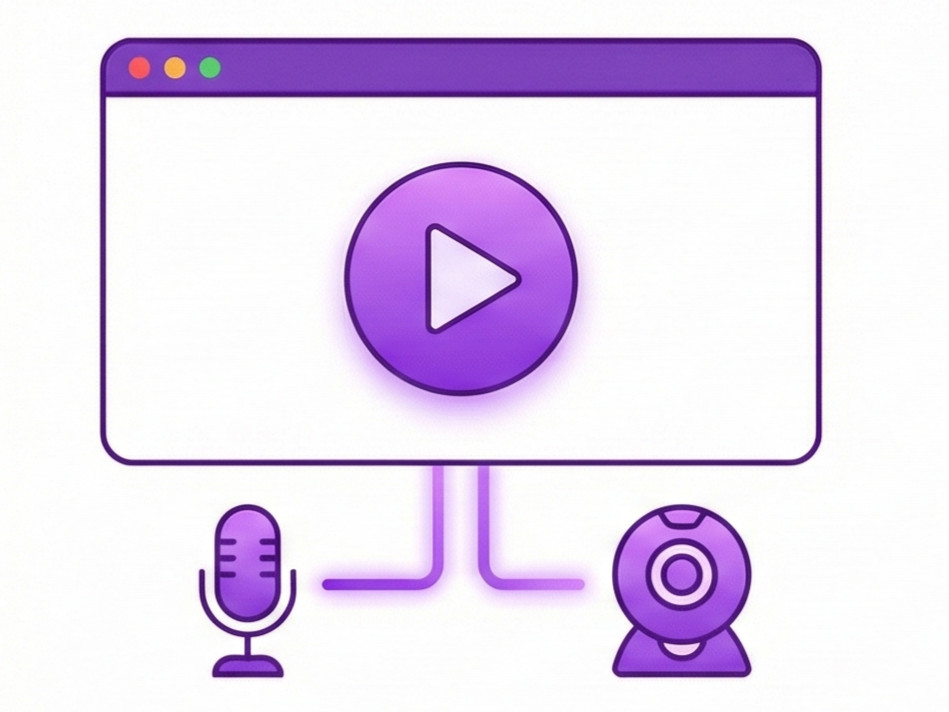
Effortless Screen Recording with Audio
Capture your screen, a window, or a tab in high quality with integrated audio.
- Record professional tutorials and product demonstrations with ease
- Capture meetings, webinars, lectures for future reference
- Record gameplay or live streams with high quality
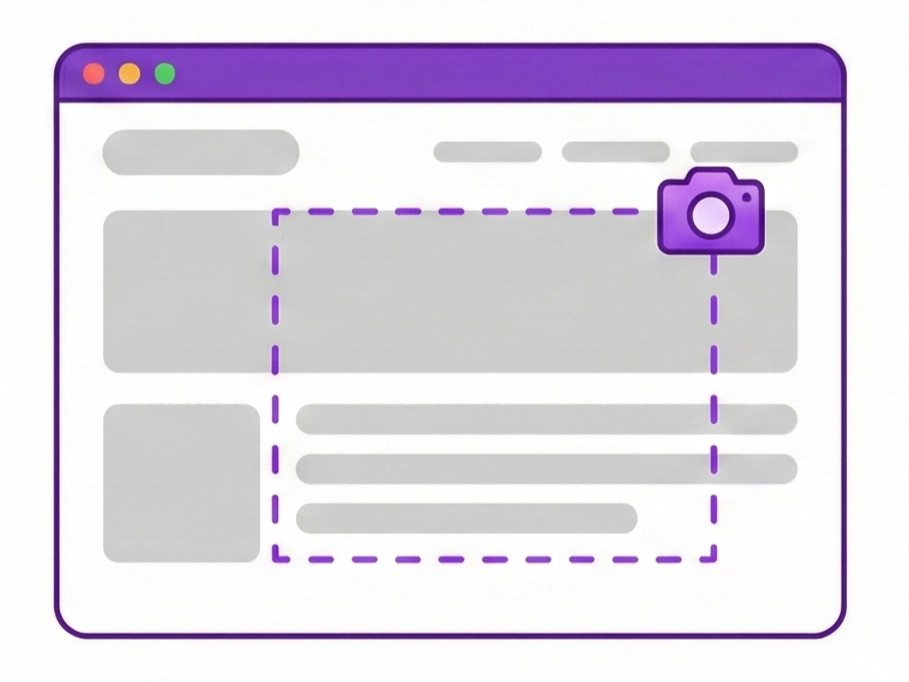
Precision Screenshots: Capture the Moment, Your Way
Flexible screenshot modes: visible tab, full page, or selected zone.
- Share visual information or errors instantly with team members
- Document processes and create comprehensive guides
- Archive webpages or receipts for future reference
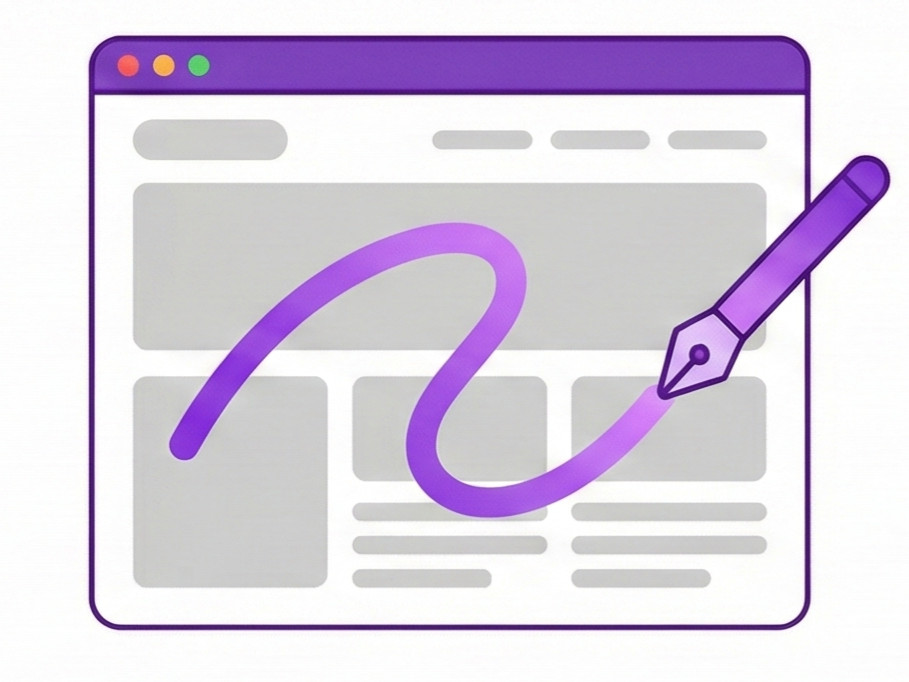
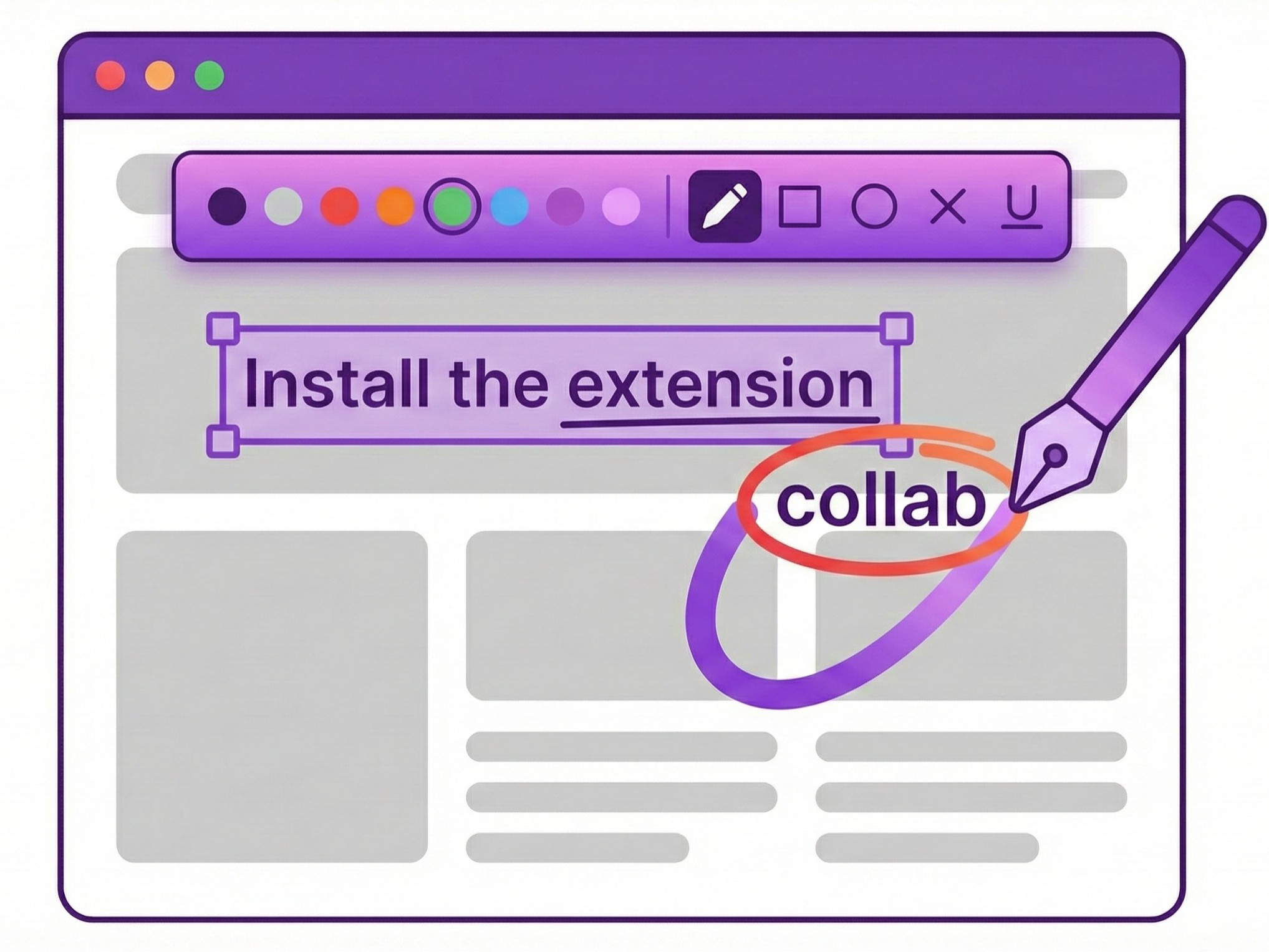
Interactive Drawing Tool: Annotate Directly on Any Webpage
Draw, highlight, add shapes or text directly on live webpages.
- Brainstorm visually in context with your team
- Give precise feedback on designs and mockups
- Highlight important information for presentations
Powerful Page Annotation & Manipulation
Add persistent notes, highlight text, or temporarily adjust layouts.
- Personalize websites with your own notes and reminders
- Leave helpful reminders on important pages
- Collaborate with team members through annotated views
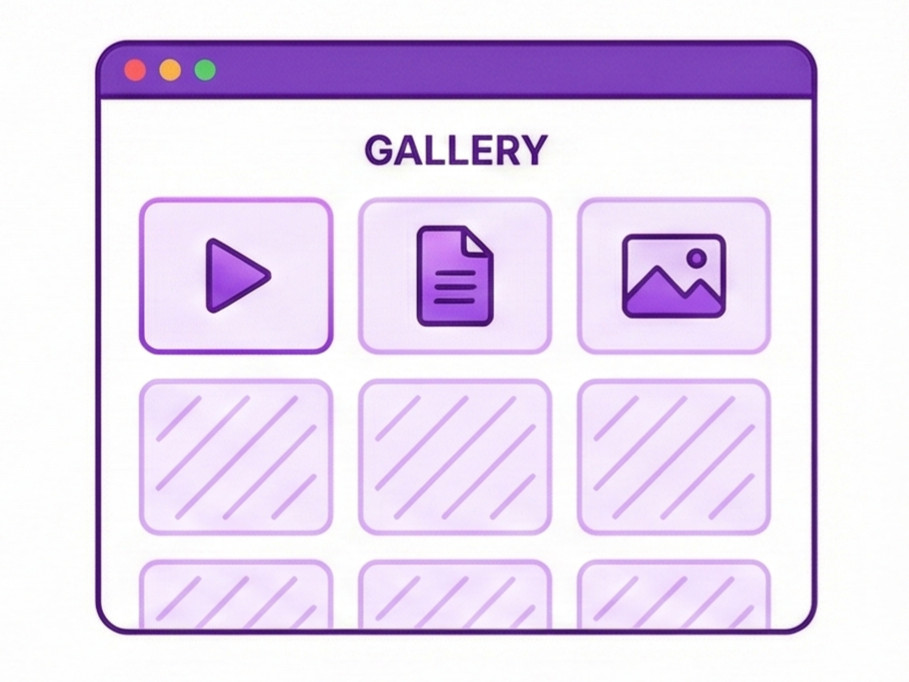
Integrated Media Gallery: Your Central Hub
All your screenshots and recordings are auto-saved in a clean gallery.
- View and organize all your captures in one place
- Rename, download, or delete files as needed
- Quickly find the media you need with search functionality
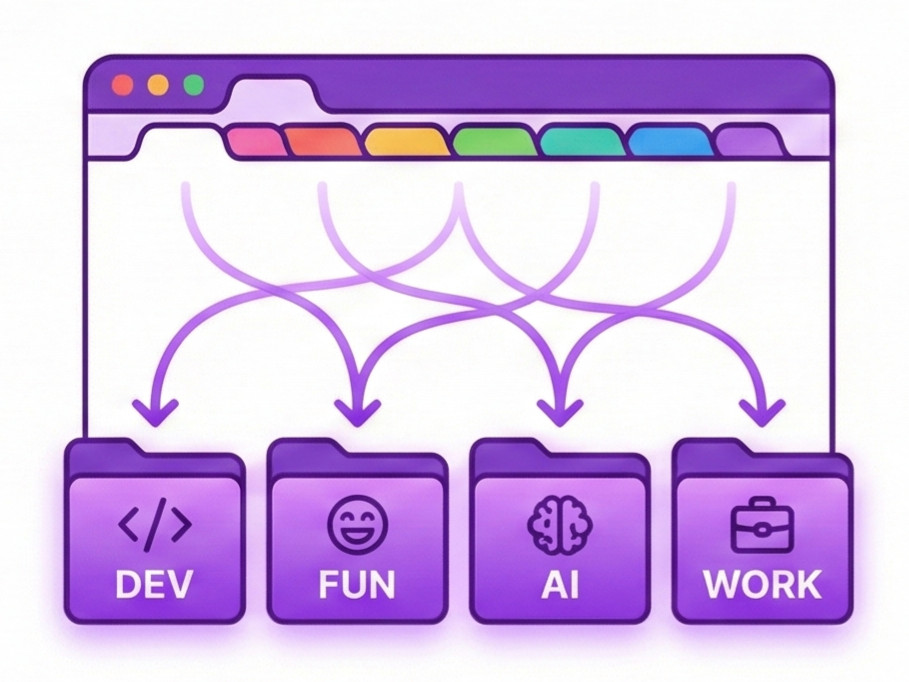
Smart Browser Tab Sorting Utility
Sort and group tabs instantly. Reduce clutter, group by project, and find what you need fast.
- Quickly find specific tabs among dozens of open ones
- Group tabs by project for better organization
- Keep your browser clean and focused on current tasks
Security & trust
Built with privacy-first principles
Installing a browser extension should never compromise your privacy. WizFlow keeps your content local, explains permissions clearly, and gives you full control over billing.
Data stays local by default—media is stored in your browser until you choose to sync it.
Granular permissions: enable capture tools only when you need them.
Plain-language privacy summary with every policy update.
Data minimal by design
We only store the essentials needed for your account. Capture data and browsing activity stay on your device.
Modern extension security
Built on Chrome Manifest V3 with scoped permissions so you stay in control of what WizFlow can access.
Transparent subscriptions
Upgrade, downgrade, or cancel anytime from your dashboard—no hidden clauses or dark patterns.
Risk-free commitment
Try WizFlow with confidence - no strings attached.
Risk-free trial
Explore the full product for 7 days without entering payment details. Decide later if WizFlow fits your flow.
Easy account deletion
When you leave, your profile data goes with you. Remove it in a couple of clicks from settings.
Review our privacy policy and security overview in minutes.
Clear, human-readable policies backed by real safeguards.
Frequently asked questions
Everything you need to know about recording, privacy, and billing before you install WizFlow.
Recordings export as WebM or MP4 depending on your browser. Screenshots are saved as high-quality PNG or lightweight WebP so you can drop them into docs without extra conversion.
Individual recordings can run up to 2 hours or 2 GB. Screenshots are optimised automatically, keeping files under 5 MB while preserving detail.
No. Your captures live locally unless you sync them to cloud storage you control. We never read your tabs or history—permissions only activate when you start a capture.
Yes. Team plans include shared galleries, review checklists, and permission controls so every teammate stays aligned without juggling links.
Pick monthly or annual billing directly in the extension. You can cancel anytime in settings—your library stays intact so you can return whenever you like.
Ready to Transform Your Workflow?
Stop managing chaos. Start conquering your web. WizFlow unites capturing, annotating, and organizing your online world. Say goodbye to scattered tools and unlock your full potential in one click.
Experience all features. No credit card required.